User Management
A login is required for TixPro8 users. This article will show you how to manage users, create roles, and manage permissions. Currently you will need to add new users in WINTIX and then you can assign/manage permissions in TixPro8. Permissions for TixPro8 need to be managed in TixPro8, WINTIX permissions in WINTIX.
Create New UserCreate New User | Role Management | User ManagementUser Management
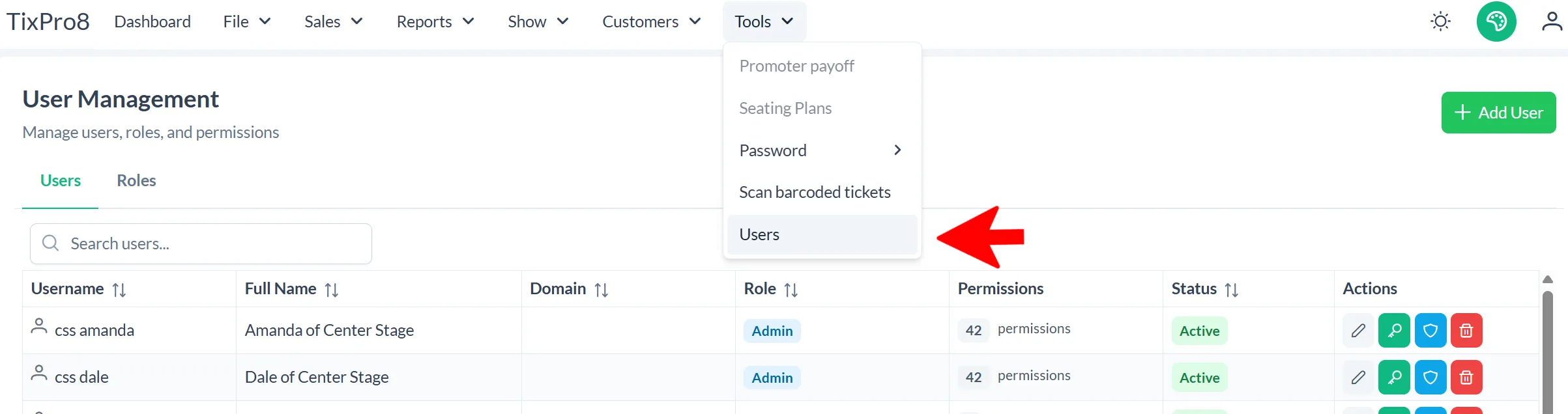
Click on Tools and then Users
Role Management
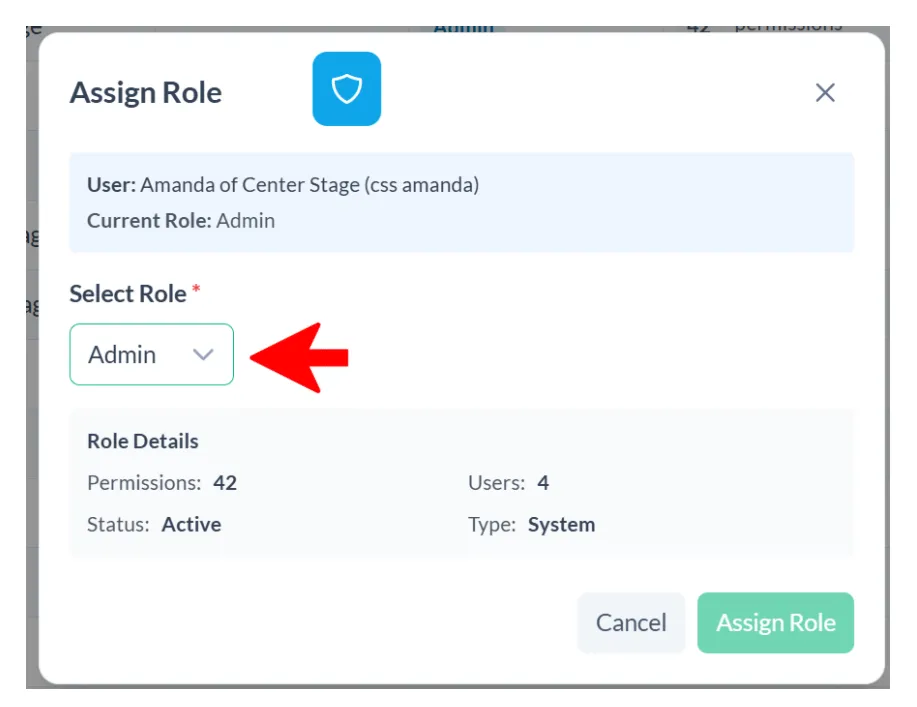
To give/limit user permissions you will assign them a specific. The roles and corresponding permissions are created by you.
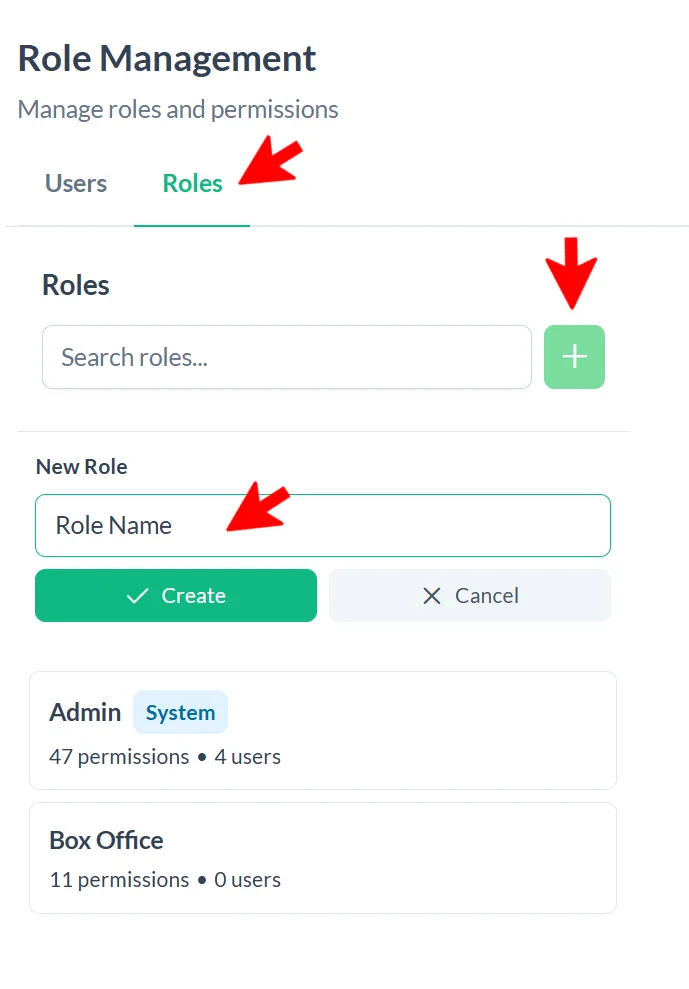
Click Roles
To add a new role click the green plus sign, enter the role name and click create
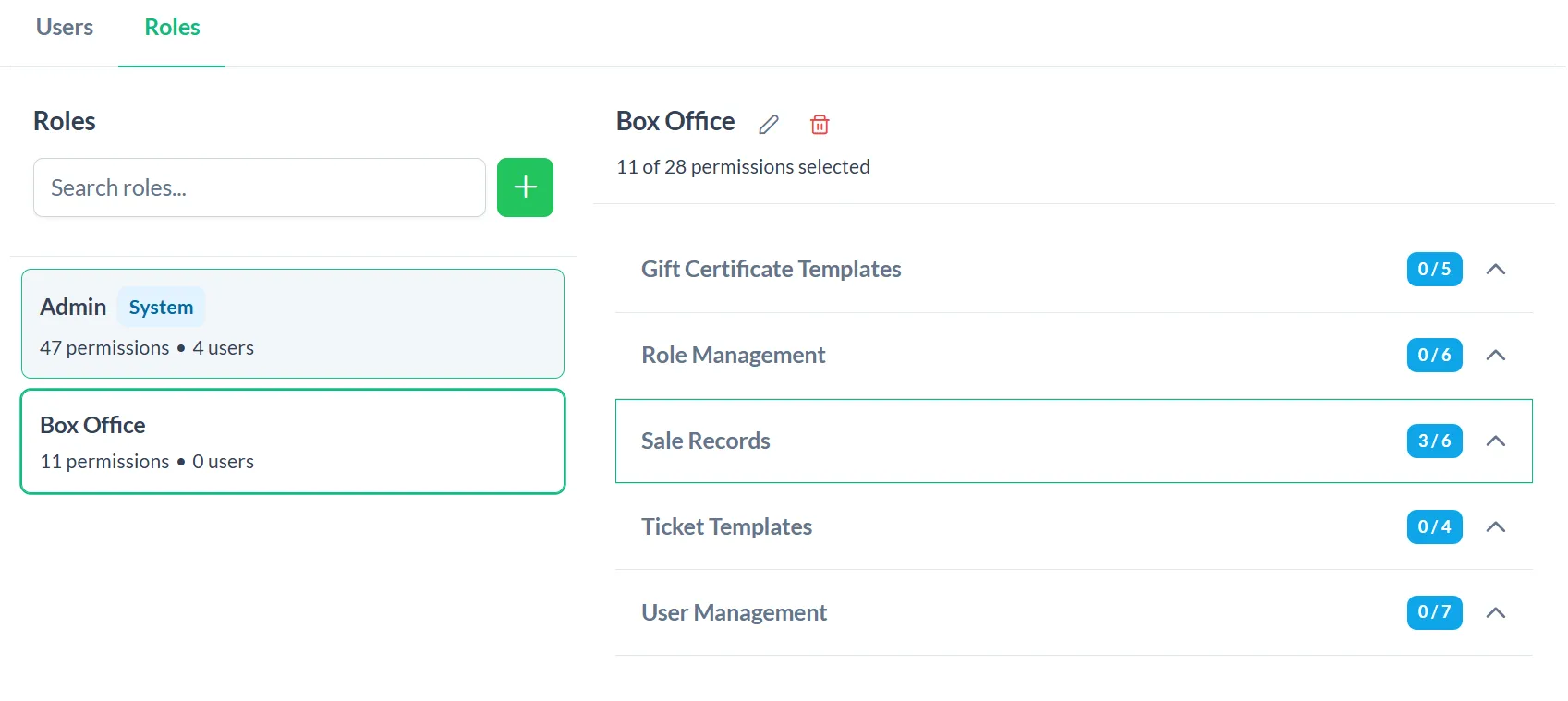
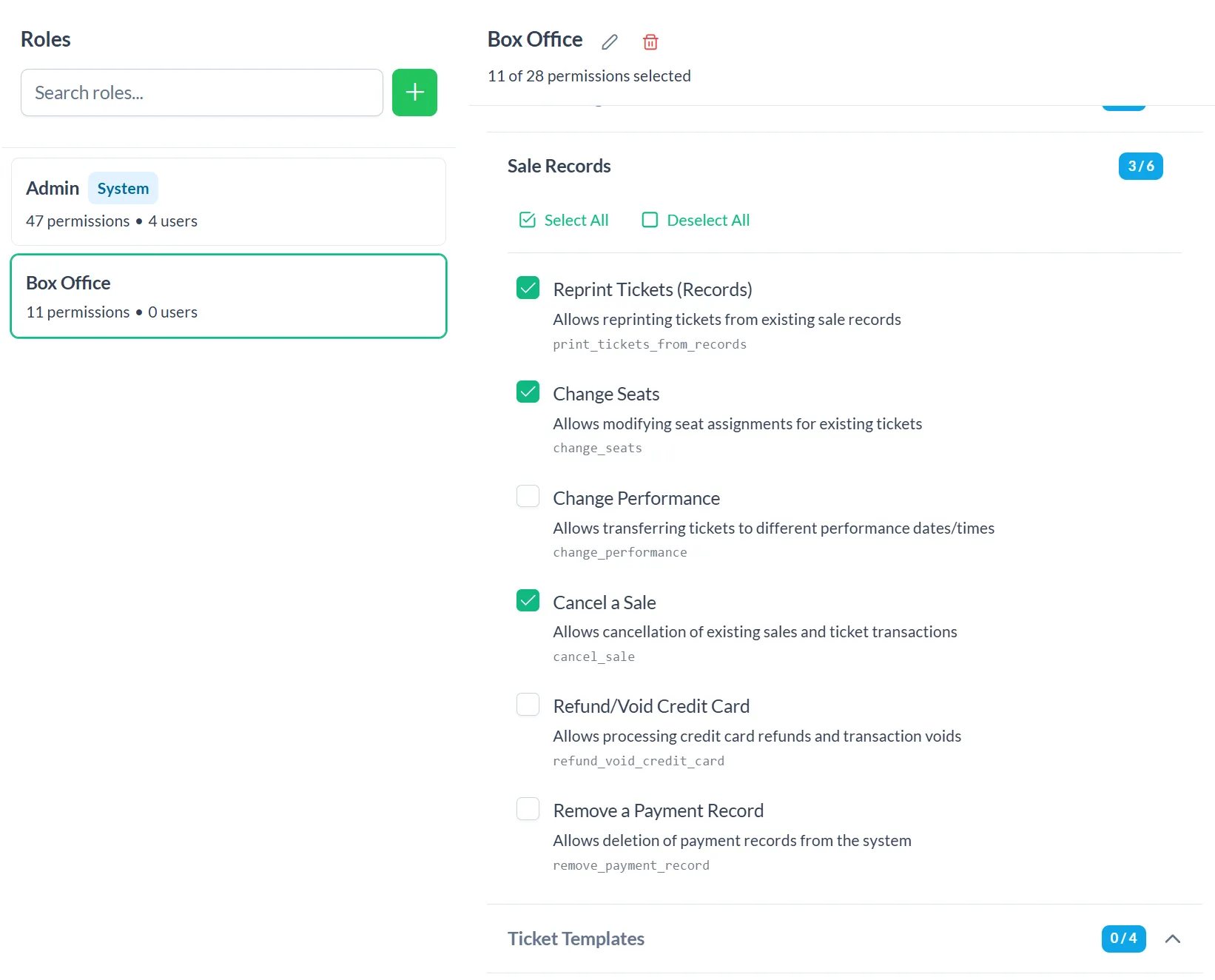
Once your role has been created you can click on it and choose what permissions that role will have. Click on the category to expand the options
Create New User
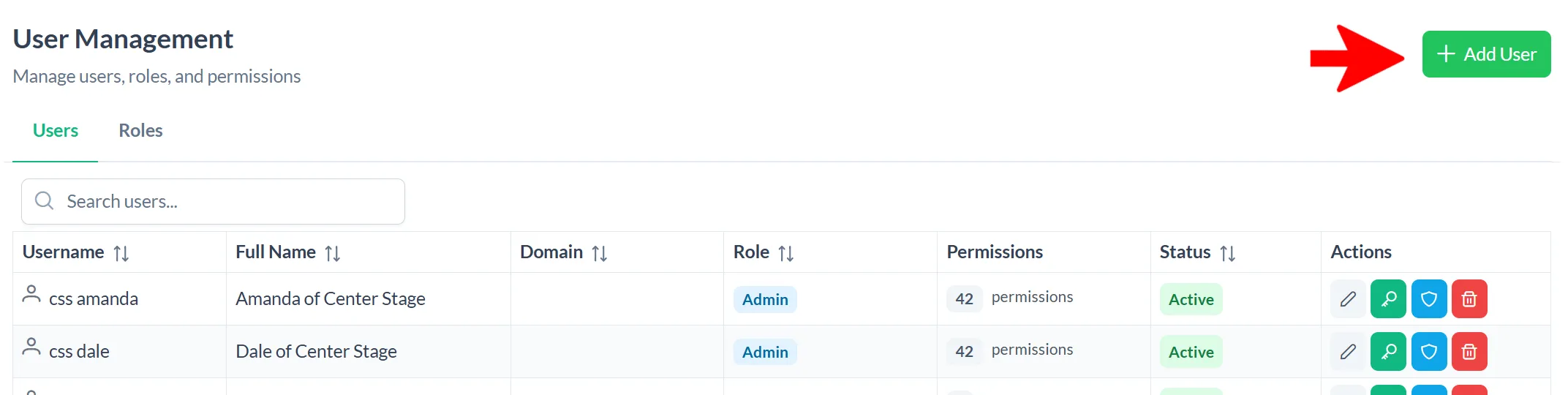
To add a new user click “+ Add User”
Username is what you will use to login into TixPro8, they are not case sensitive
Full Name
Domain: most TixPro8 users do not utilize
Password Requirements: at least 8 characters, 1 uppercase letter, 1 lowercase letter, and 1 number
Role: Assign the role with the permissions you would like the user to have
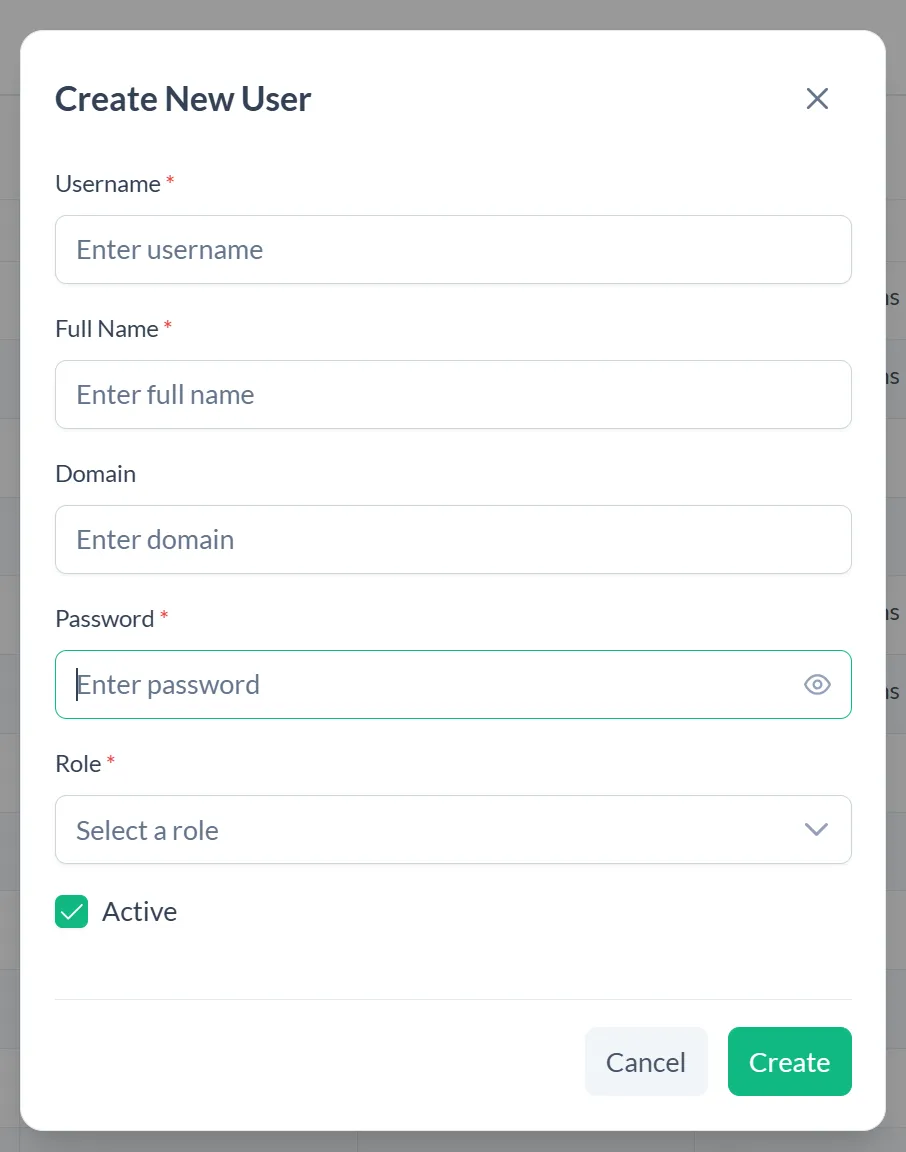
Click “Create”
User Management
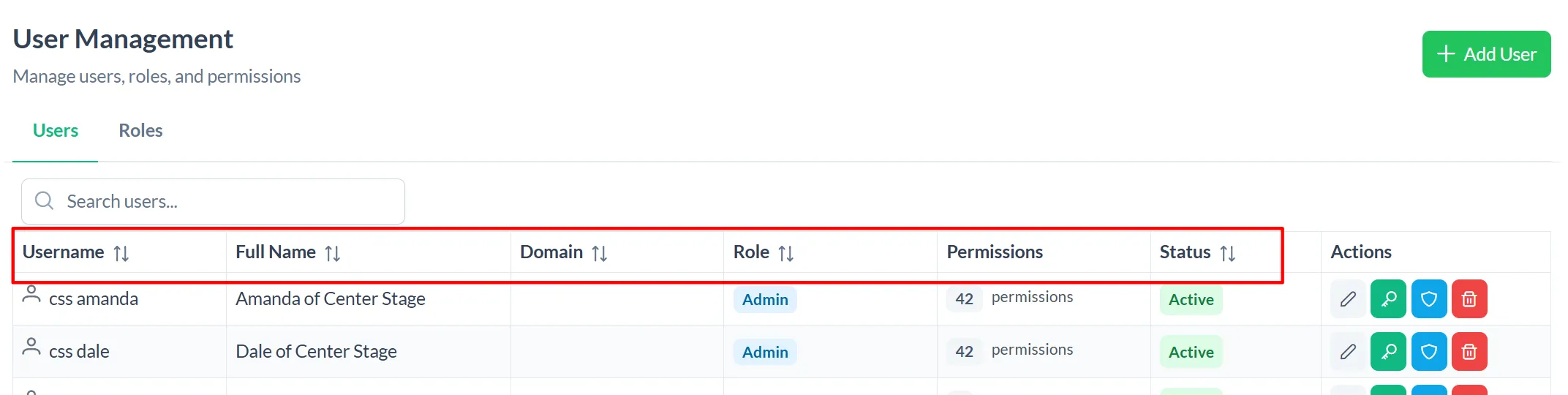
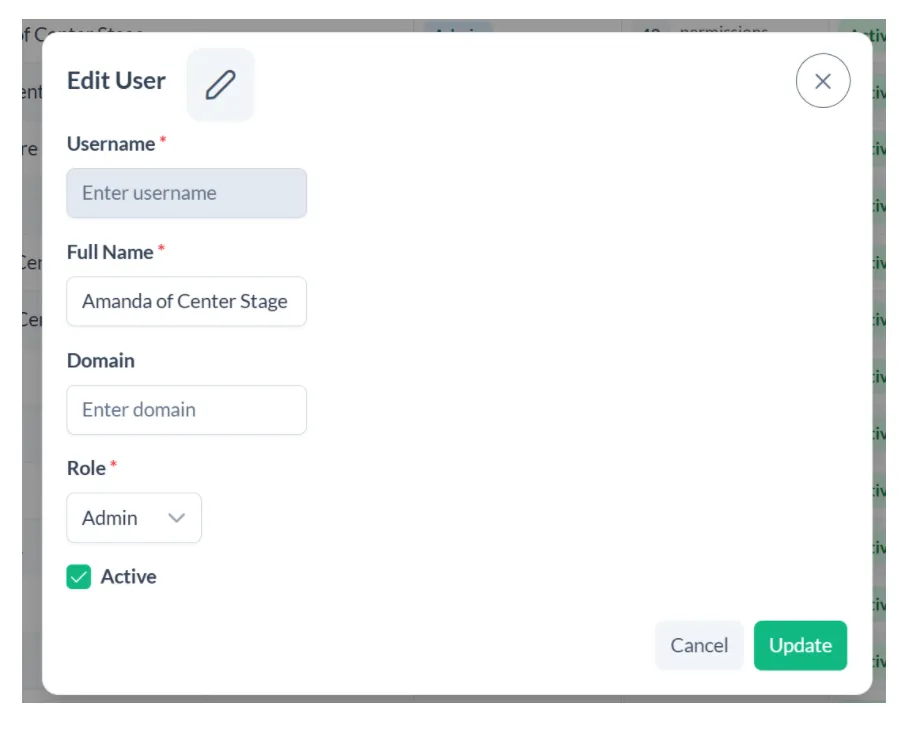
Once you add a user in WINTIX they will show up on your user list. You can sort by the Username, Full Name, Domain, Role or Status headers.
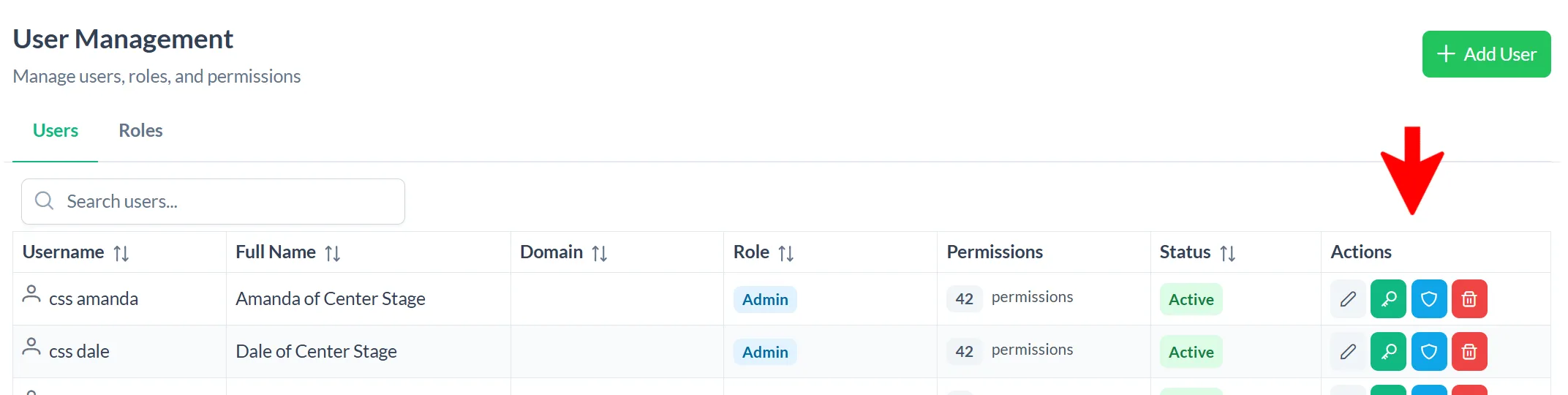
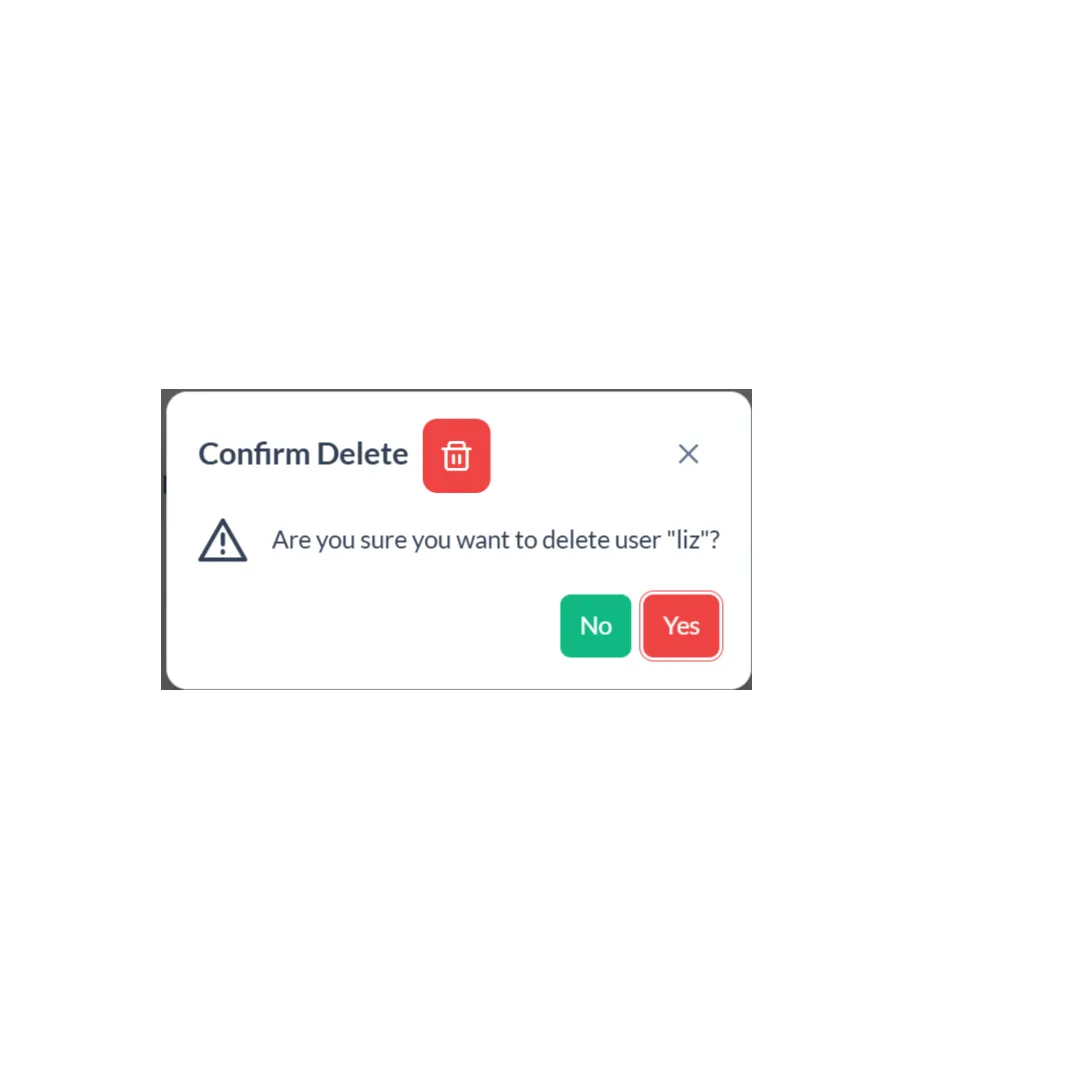
Available Actions for each user:
Once your role has been created you can click on it and choose what permissions that role will have. Click on the category to expand the options
If there is a permission you would like added please reach out us!
David Hile Managing Partner : 831-920-1254 x1
Amanda Morgan Support Associate: 831-920-1254 x2