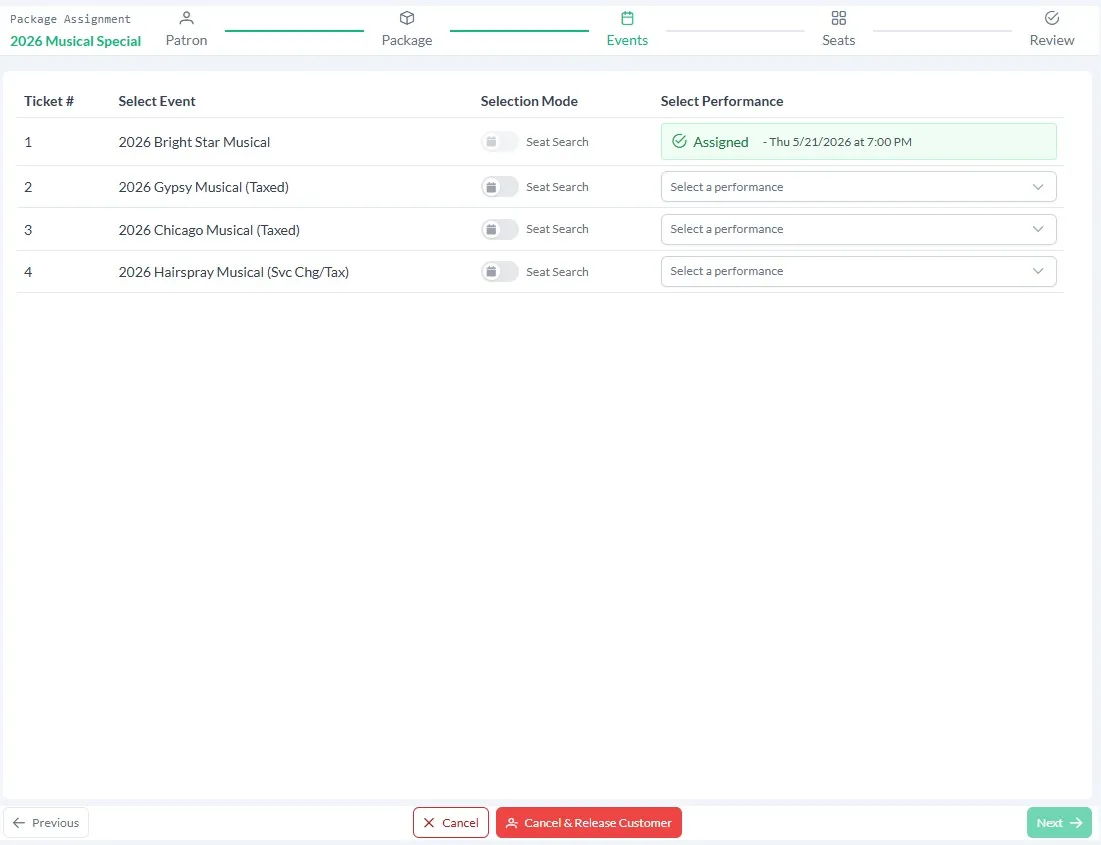
Assigning Package Sales
If you are selling flex pass or flex ticket season packages you may need the ability to make reservations for a patron and associate them with their original flex sale. You can also use the Assign Packages feature to associate sale you have already made to a flex sale.
Package Assignments
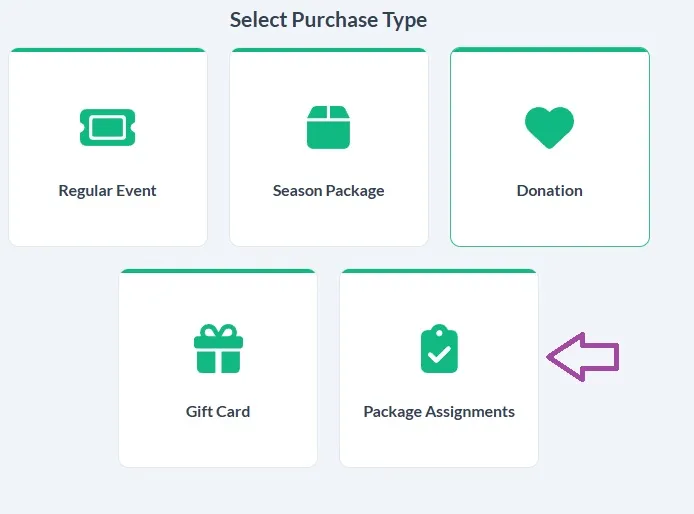
If there are flex sales that may need assignments you will see this tile on the sales page. Simply click on it to get started.
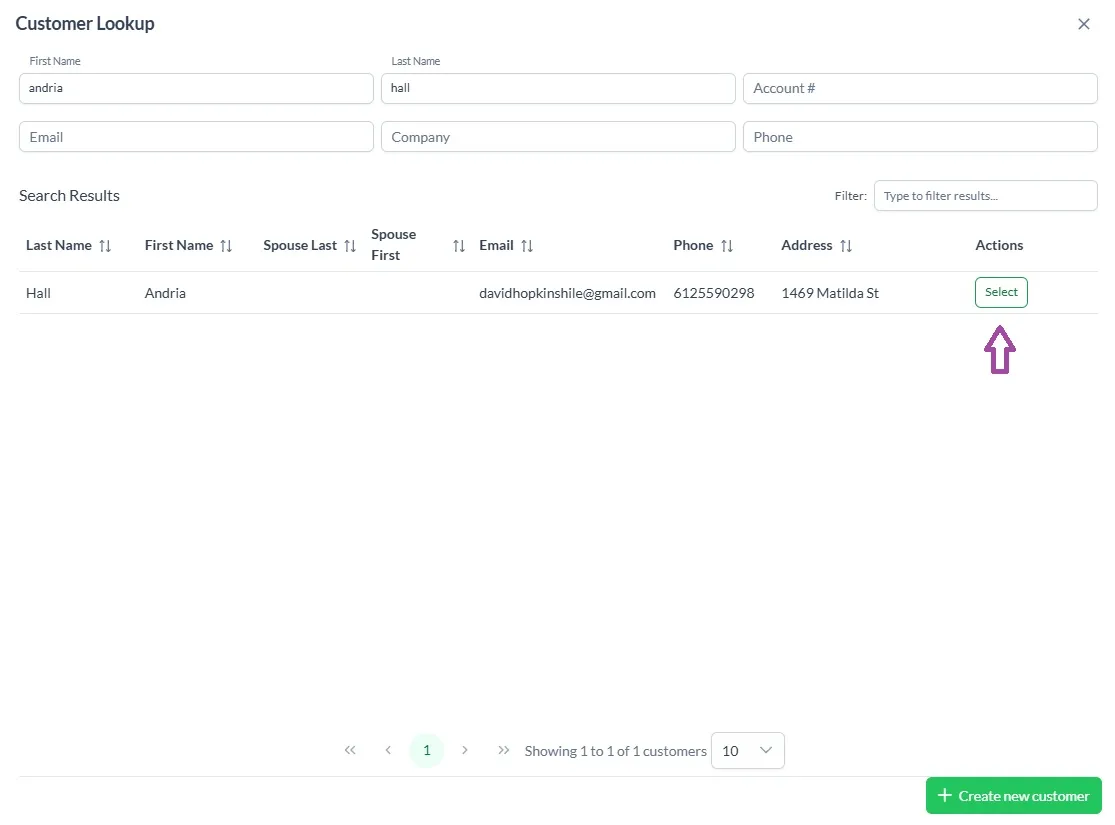
You will always need to begin by looking up a customer. This feature can only be used for customers that already have a flex sale made through the Season package tile from the sales page.
Look up and select the customer.
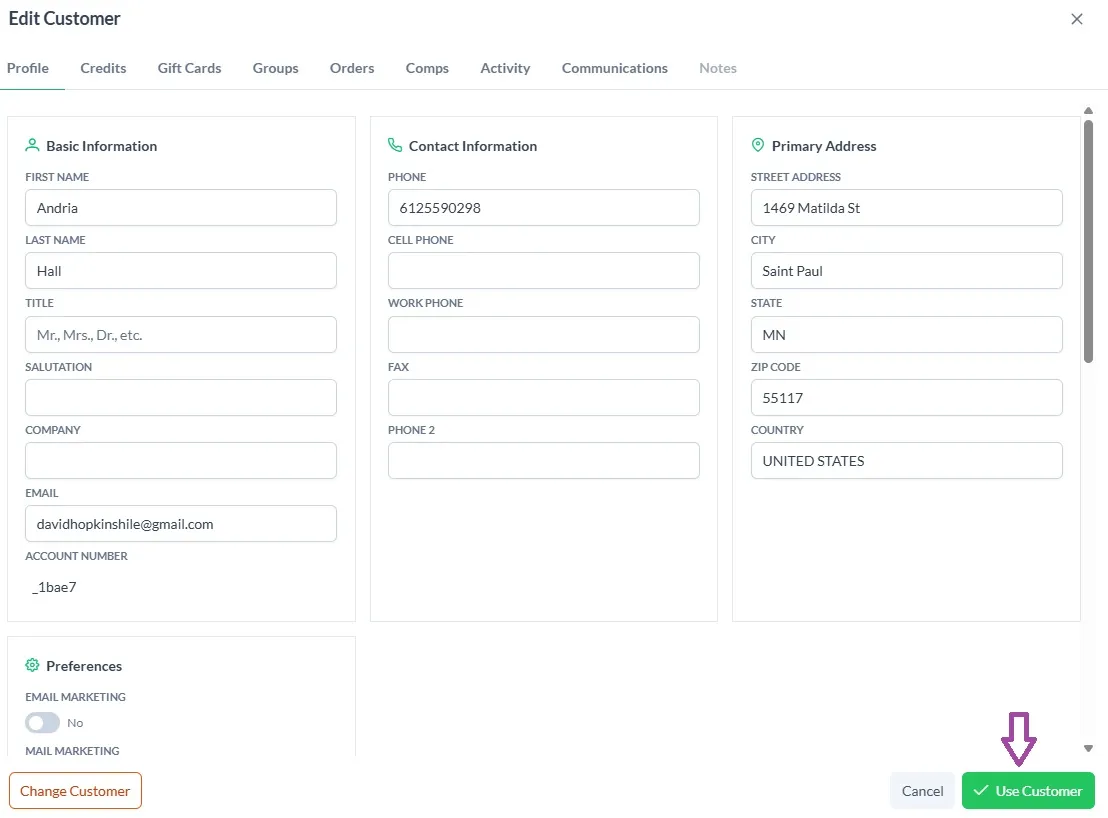
Then you can make any changes to the customer window you wish. When you are done click Use Customer.
This will bring you to a list of the flex packages that the customer has under their name. Simply click on the package you would like to work with.
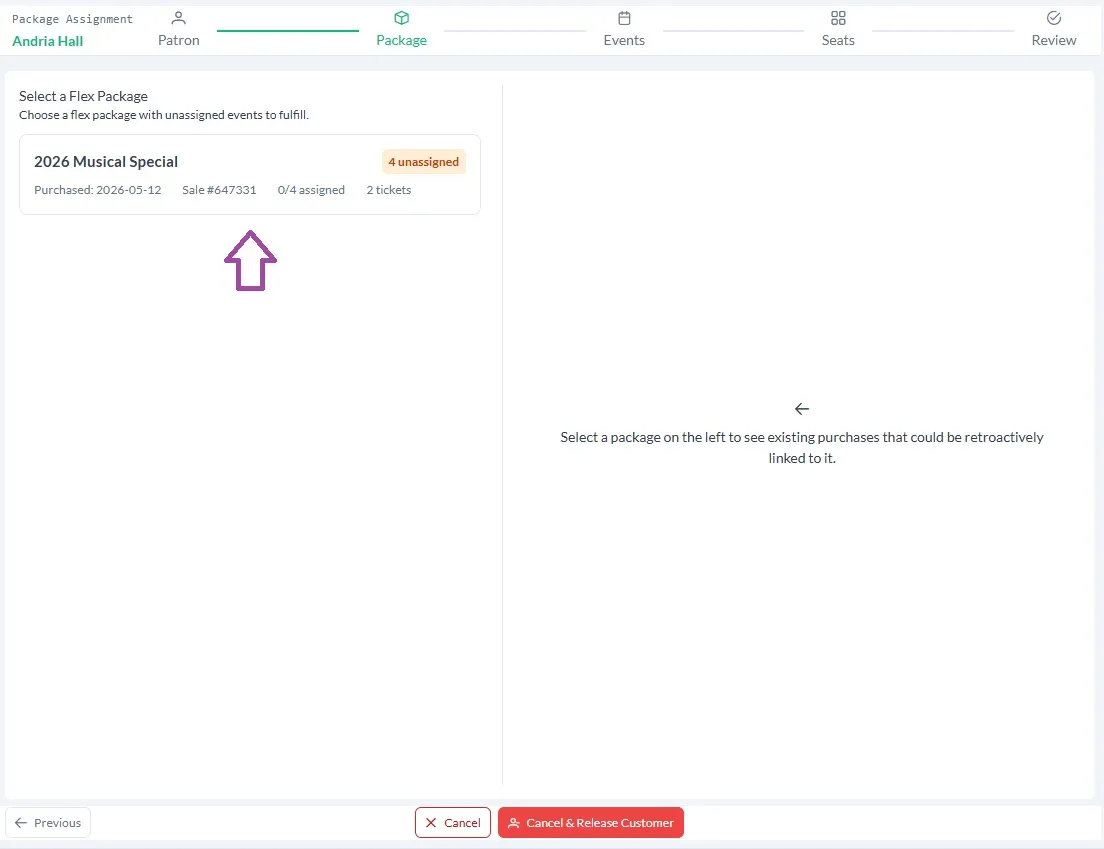
Unassigned Sales
If the customer has no assigned sales, skip to Package Assignments.
The customer's unassigned sales with price categories that match their flex sales will show on the right.
Click the sales you want to associate with the flex package and the click Assign at the bottom of the page.
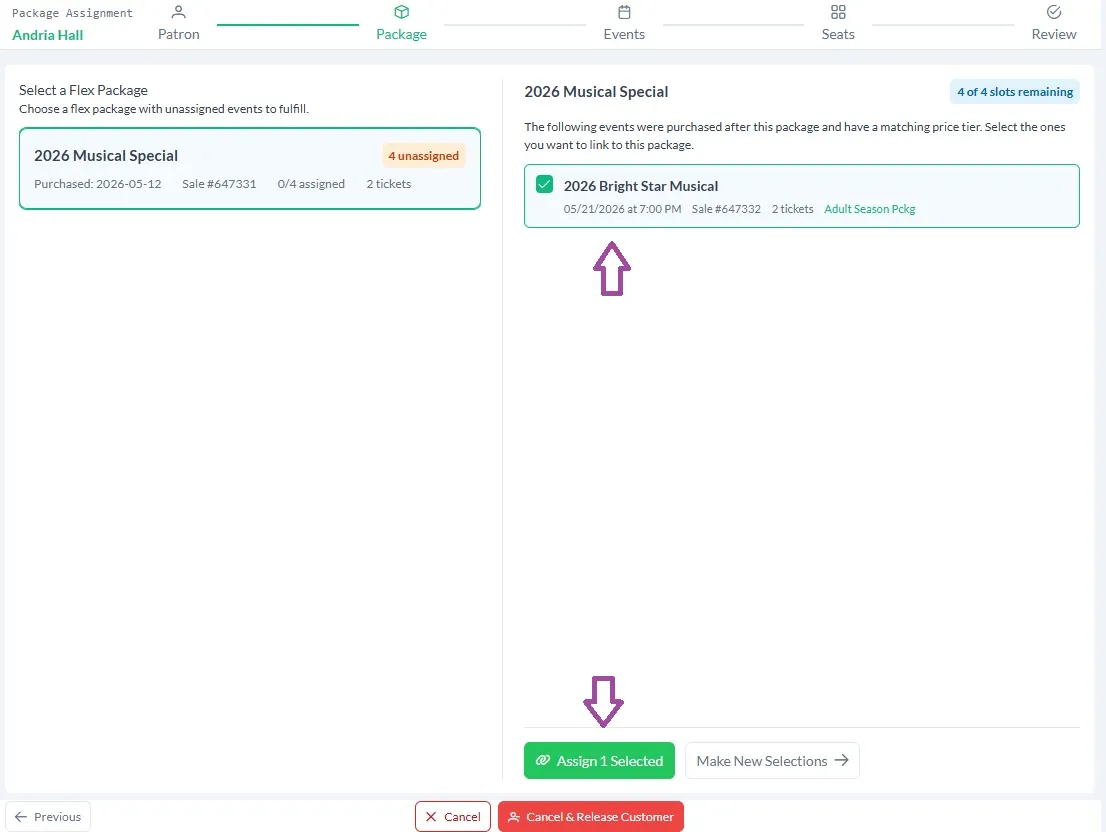
Package Assignments
If the customer has no unassigned sale you can click on Make New Selections.
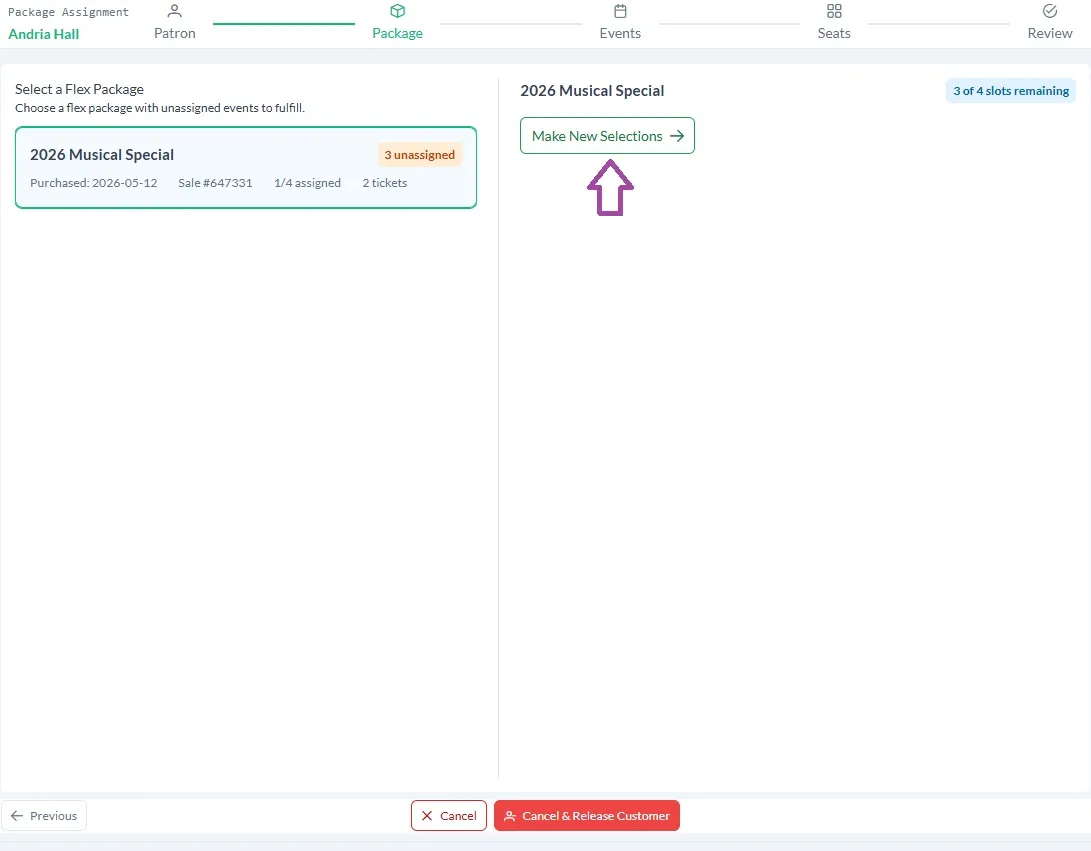
This will bring you to the assignments page. Choose the event and the performance and then continue through the reservation process!